
✦A cinematic character walks through a neon city in the rain...The camera follows the character as the lights begin to glow...
01
Keep the people from the two stills, then ask for a hug
只要输入故事内容或几个关键字,Joi AI SI 就能帮助你快速搭建动态画面,适合短片、动画和电影感场景。
Joi AI SI
把故事、脚本和镜头想法变成动态画面。Joi AI SI 支持从文字开始探索不同风格与节奏,并在同一工作台中继续调整。
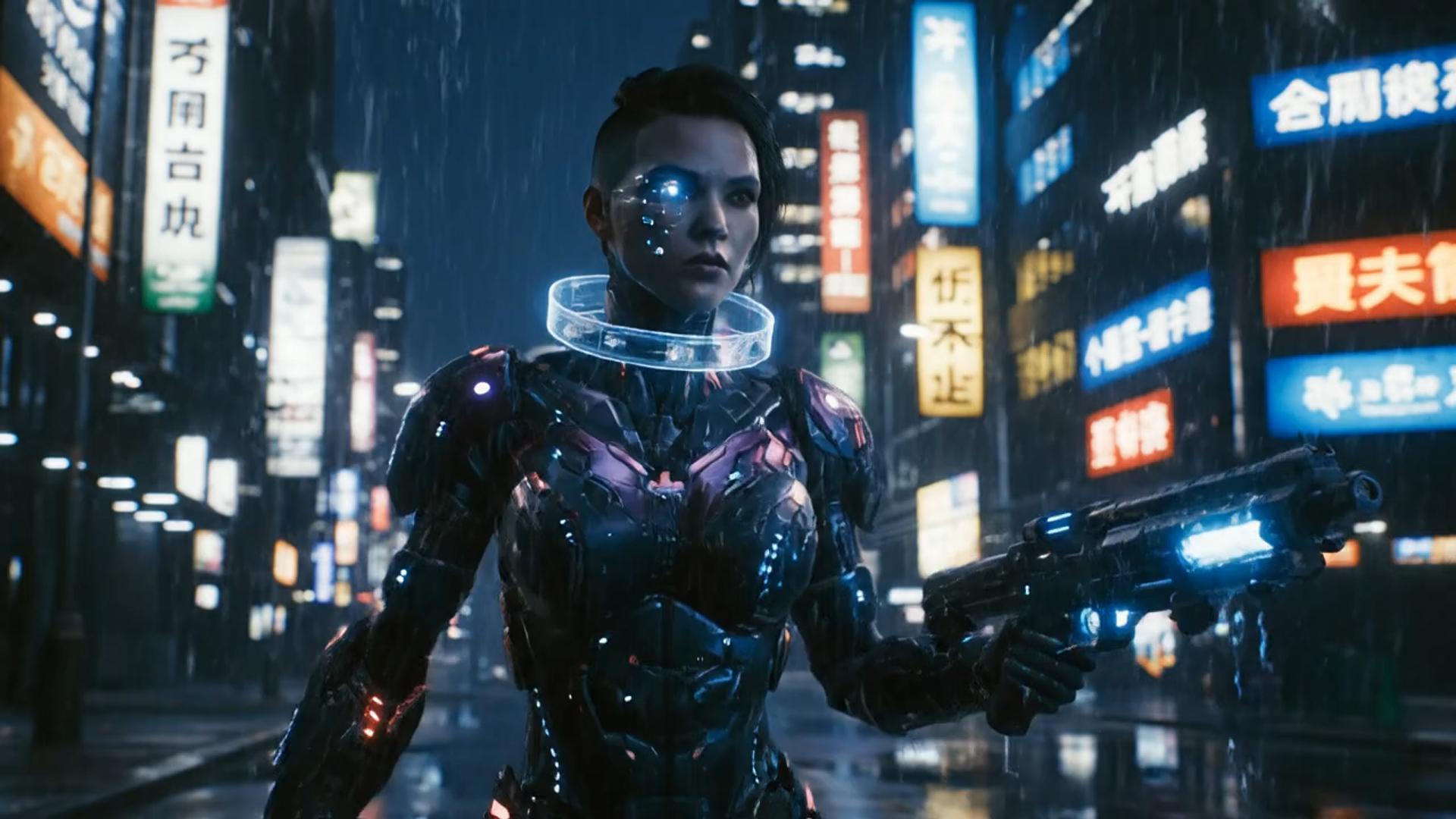
Illustrative city motion
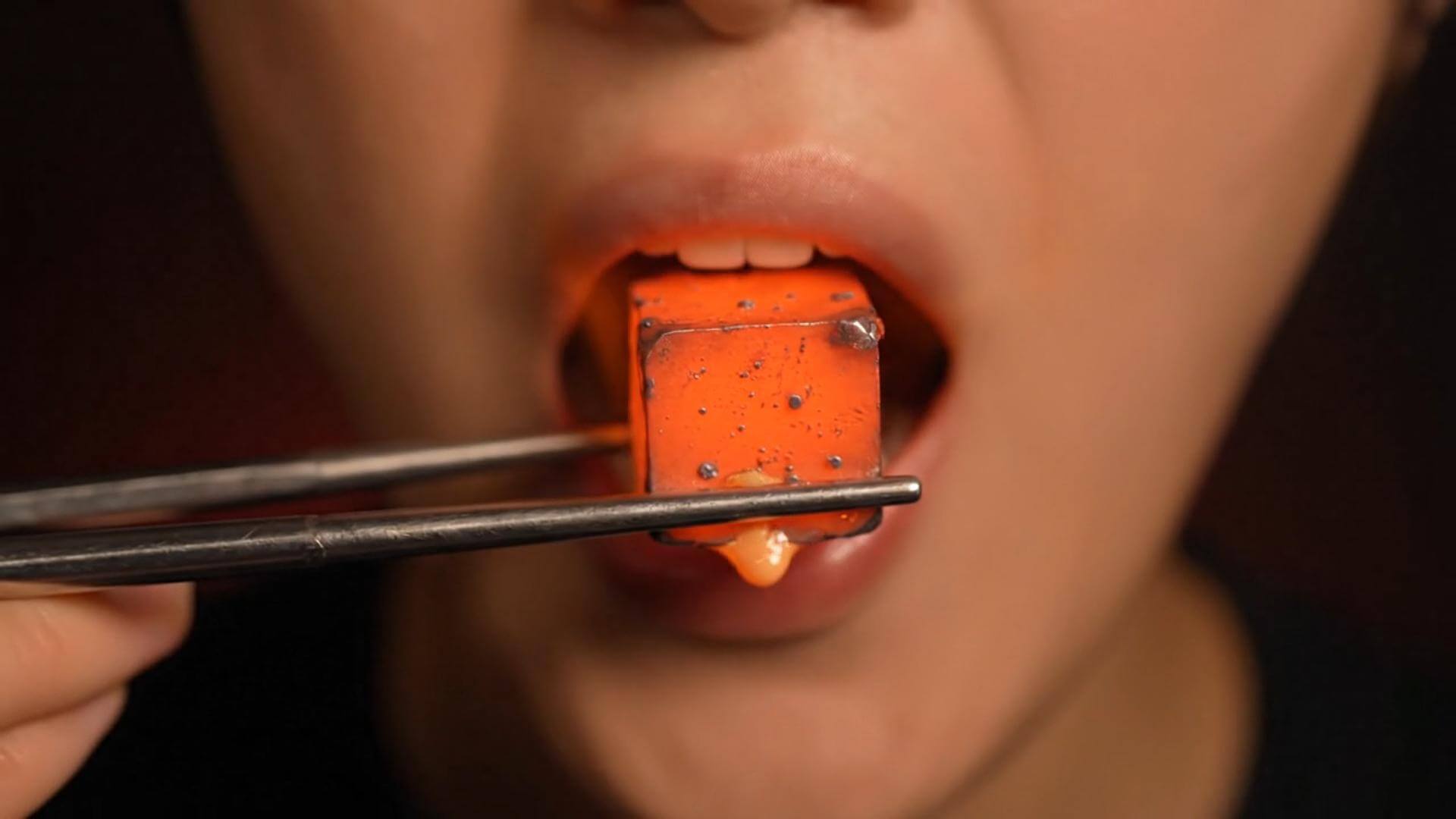
Illustrative close-up texture

Illustrative character moment
A paragraph alone will not open this hug path. Start with two photos that already hold the people you want in the hug, then generate. The clips below reuse the text-to-video template media; they are illustrative, not verified hug outputs.
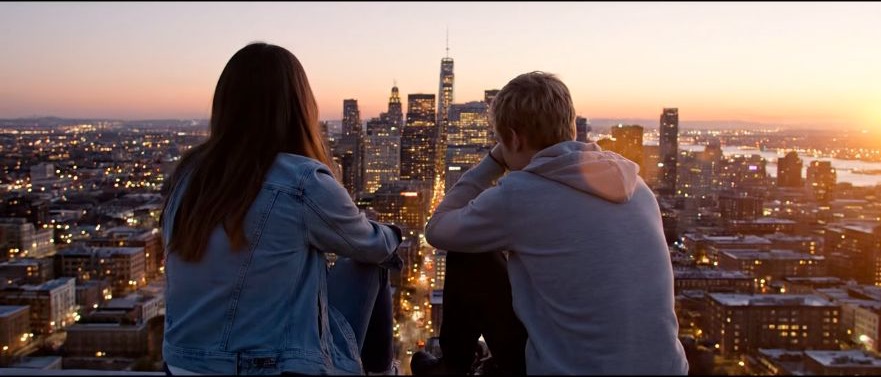
Start from the two uploaded stills
你不需要一开始就写出完整分镜。Joi AI SI 会把提示词变成可观察的动态草稿,方便你继续修改主体、动作、镜头和节奏。
Keep the two stills, the hug prompt, and the duration or resolution choice in one loop. Do not treat this as a blank-page text-to-video generator.
只要输入故事内容或几个关键字,Joi AI SI 就能帮助你快速搭建动态画面,适合短片、动画和电影感场景。
Stay in this hug workbench from upload to History. Changing length or resolution can change the displayed credit cost. Read that number before you generate again.
Name the hug, the camera, and what must not change. This page does not open a generic text-to-video catalog. Availability follows the hug selector.
无需安装额外软件,打开 Joi AI SI 工作台即可输入提示词、查看灵感并管理生成历史。
Use this path when two stills already hold the people you want in an embrace. It is not a substitute for a generic text-to-video page, and it does not promise every request will run.
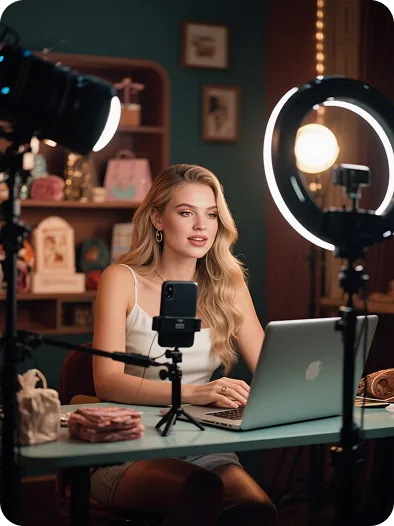
When both people already exist in photos, a short hug note is enough to test a social take. A script without stills belongs on another workflow.

Two catalog stills can take a small camera move around an embrace. Compare the silhouettes to the uploads after every run.
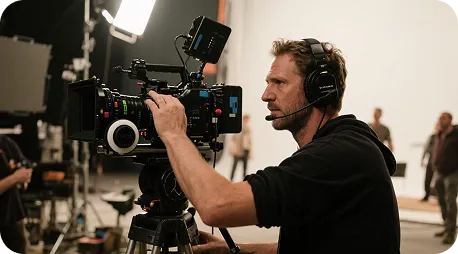
Use two locked stills to preview a hug camera idea before you commit to a longer shoot. The template clips are not dailies from this workbench.

Generate a few hug versions from the same two stills, then pick a rhythm. Extra takes still spend the credits shown for that run.
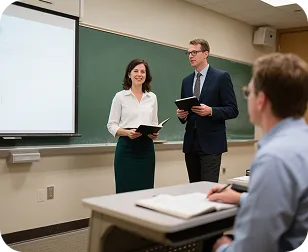
Two clear stills can take a simple pan or zoom around an embrace. Keep faces readable, and do not ask the page to invent a lecture from text alone.
Workbench notes
Write the keep-and-hug notes first, generate, then use the draft to correct the next prompt. The cards below show common work habits. They are not reviews of named users, and they are not proof of a specific hug clip.
He Yuxuan
E-commerce advertising operator
“I keep two product-adjacent stills, write a short hug note, generate a few takes, and pick the one whose rhythm fits the listing.”
Gu Zhiyuan
Short-form video creator
“Two stills get me to an embrace draft faster than starting from a blank timeline, as long as I keep the people honest.”
Li Peishan
YouTube creator
“I reuse the same two stills and only change camera language, which makes the next hug take easier to compare.”
Xu Ruizhe
Student creator
“I test one hug direction at a time from the same pair of stills instead of rewriting the whole scene.”
He Zhiyu
Founder
“Two stills plus a hug note is a faster promo draft than building keyframes by hand.”
Wu Zhiqing
Instructor
“Two diagram stills can take a simple camera move so a process is easier to show. That is a workflow note, not a classroom result claim.”
Common questions about this two-image AI hug generator path.
On Joi AI SI it is a two-image embrace path, not a text-to-video engine. You upload two stills, keep Image 1 and Image 2 hug as the default prompt, and generate on the locked hug workbench. Current model and service rules still apply.
Wait time follows duration, resolution, and the current queue. After you submit, watch History for status, then preview or download when the task finishes.
The stills already hold the people. Keep the hug action, name a camera move if you need one, and avoid asking the pair to leave a pose the uploads never held. If the keep list drifted, simplify the next run instead of stacking adjectives.
Yes. Keep the same two stills, change one camera or hug note, and generate again. Compare versions in History. New stills are only needed when the source people are wrong.
You can open the workbench and inspect the locked hug tab. Available output follows your account, and the credit cost for this run is shown before you submit.
请根据所选模型的服务条款、输入素材授权和你的账户方案确认使用范围。Joi AI SI 页面不会替你承诺第三方模型的商业许可。
Three steps from two stills to a hug clip
Keep the two stills, the hug prompt, and the credit preview in one workbench instead of bouncing between an editor timeline and a separate generator.
| Feature comparison | Joi AI SI 文字生成视频 | A generic editor |
|---|---|---|
| Ease of use | Upload two stills and a hug prompt in one workbench | Scenes and editing must be built on a timeline |
| Visual variety | Motion from the people already in the two stills, on the hug workbench | Fewer looks unless you change the source stills |
| Prompt reading | Reads keep / hug / camera notes against the uploaded frames | Keyword matching with little use of the stills |
| Templates and effects | Prompt-led hug motion from the uploads; no extra template pack is promised | Fewer reusable looks after a first export |
| What this page covers | Two-image hug video on the locked hug workbench | A generic editor that is not built for this path |
| Customization | Change hug notes, duration, or resolution, then generate again | Little room to iterate after the first export |
| Generation time | Cloud generation; wait time follows clip length and queue | Slower and dependent on local hardware |
| Output | Output follows the selected duration and resolution on this hug workbench | Quality and watermarks depend on the other tool’s plan |
| Use cases | Two-image hug clips for takes you are authorized to animate | Usually limited to one editor job |
| Review | Finished clips land in History on this account | No shared History on this page |
| Pricing | Credit cost shown before each run; upgrade only if you need more | Higher subscription cost with less flexibility |
根据素材类型选择适合的 Joi AI SI 工作流。
从一个镜头开始,使用 Joi AI SI 继续探索你的下一个视频创意。