
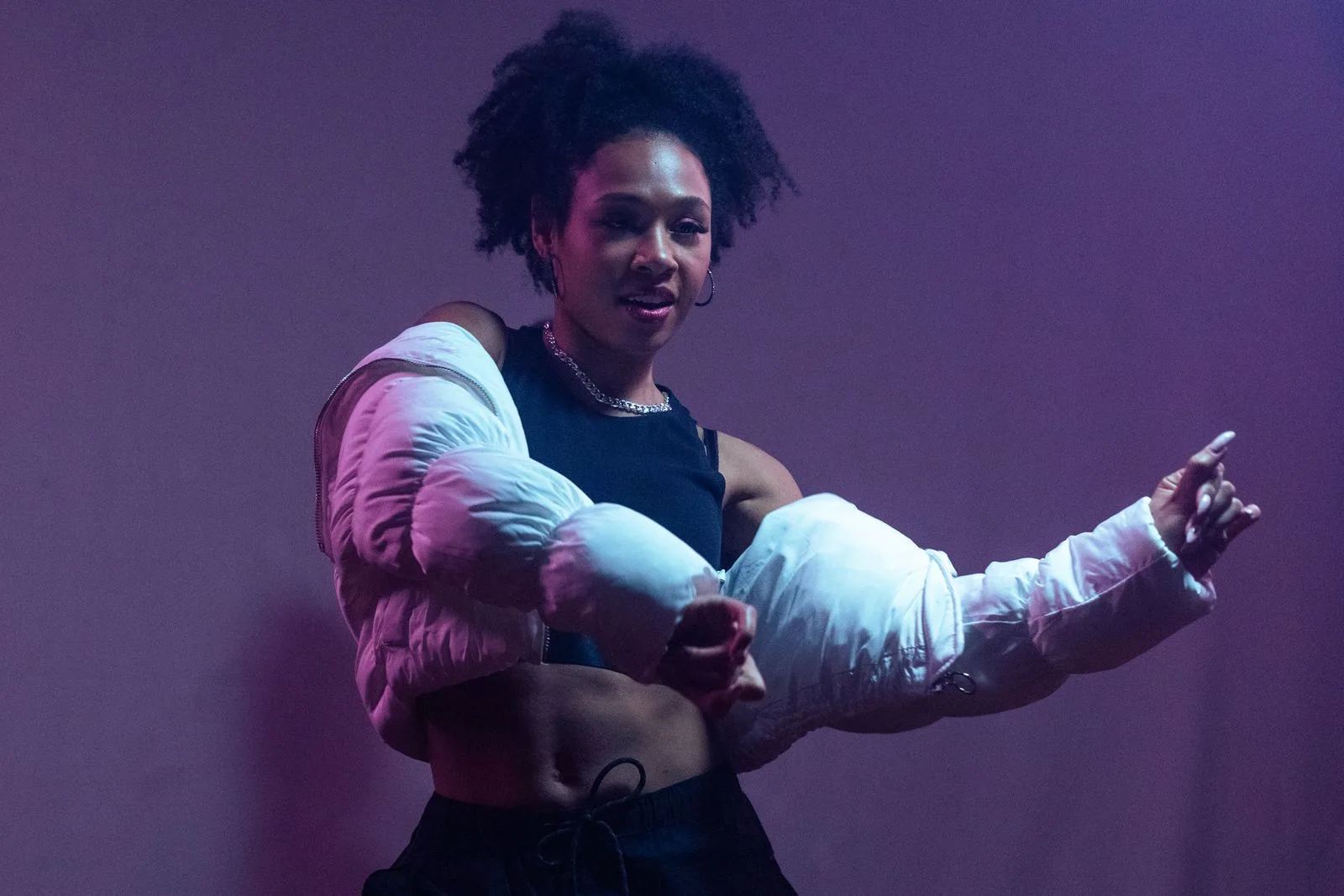
Three built-in twerk motions
These photographs are dance inspiration; preview the built-in motions in the workbench. The three references are a shallow bounce, a squat rise, and a lateral hip shift. When built-in templates are currently unavailable, template choose stays off.
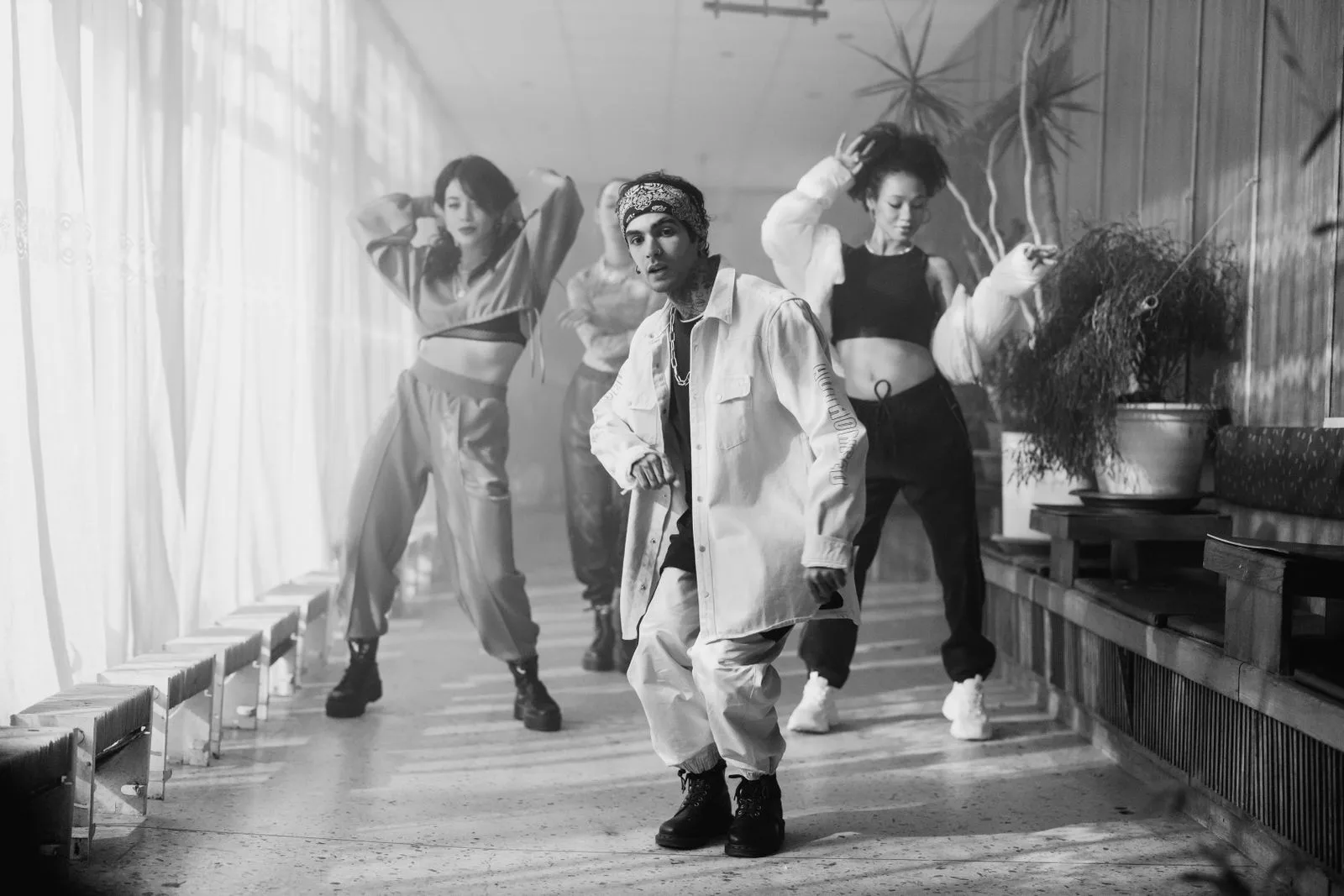
Shallow bounce
A shallow bounce with some side-to-side motion. Isolated hip twerk is limited, and shoe branding is visible on this reference.
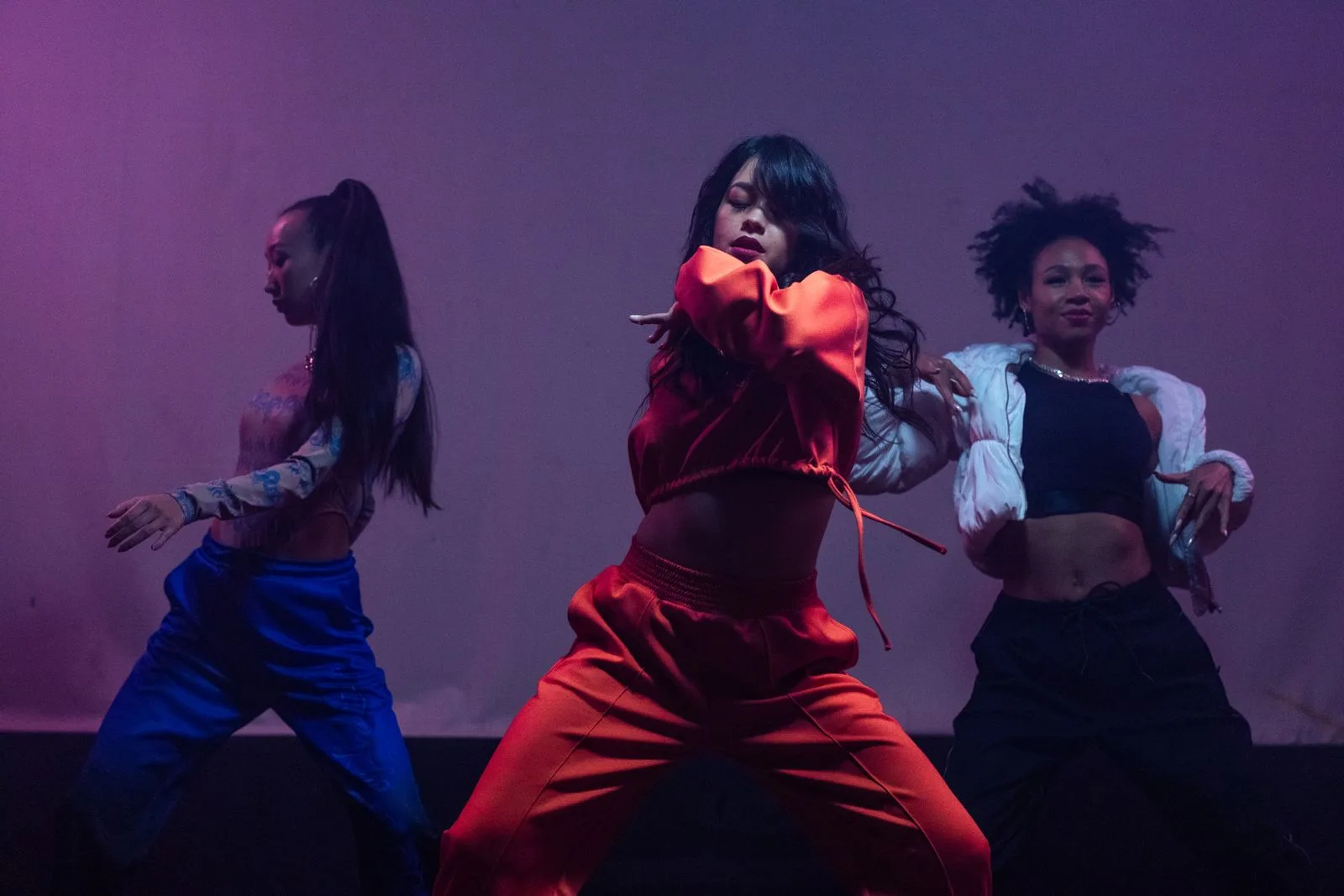
Squat rise
A deep squat-to-stand cycle. The head is cropped while standing.
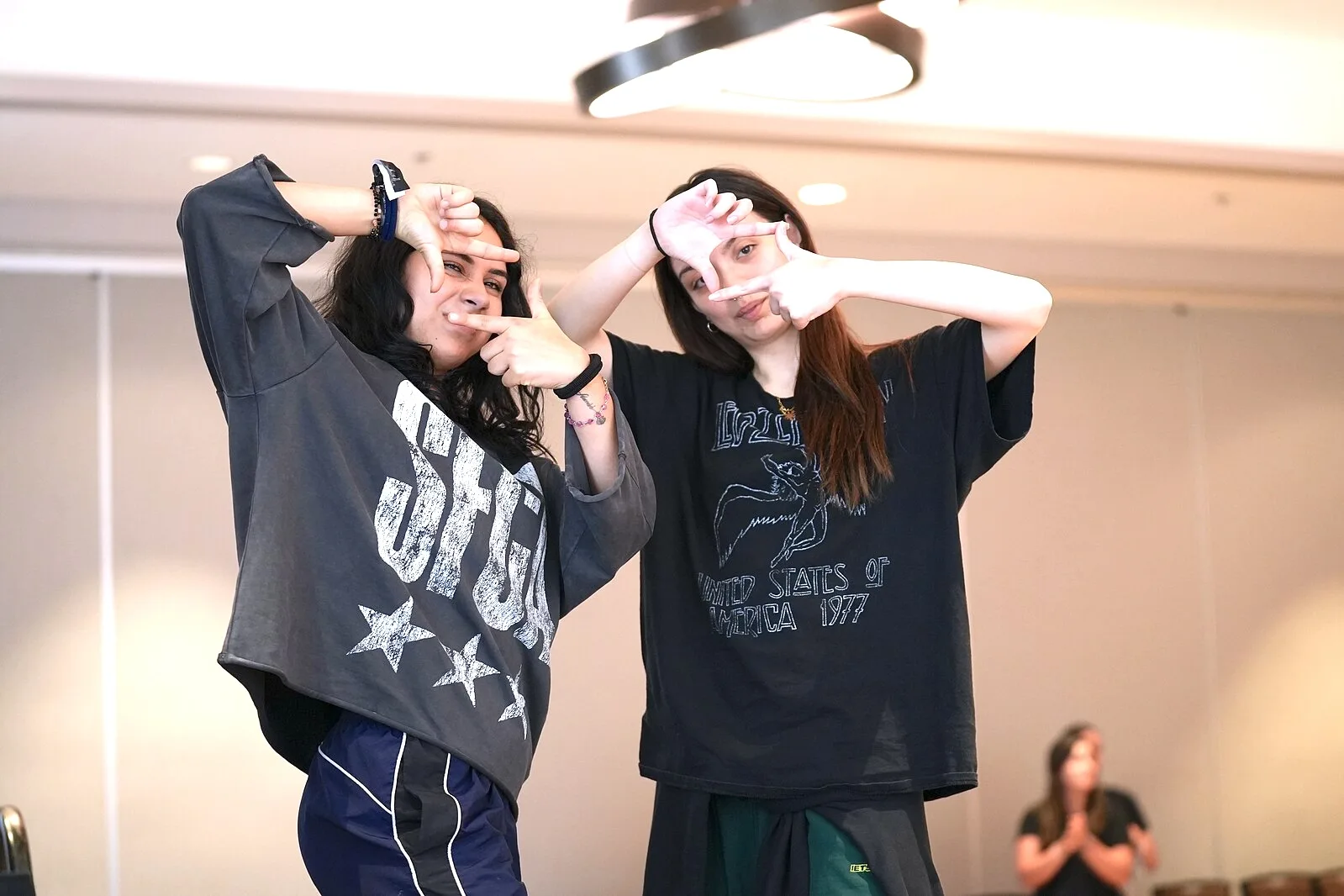
Lateral hip shift
Side-to-side hip and weight shifts with limited travel. Isolation is modest.
When Generate stays off
Without a listed built-in motion, Generate cannot be enabled. The button does not start a job from an empty template list.
Motion previews
When a motion is listed, you can preview that reference clip. It is the built-in motion, not a clip generated from your photo.
What the three references actually show
Shallow bounce is a small bounce with some side-to-side motion, not a strong isolated twerk. Squat rise is a deep squat-to-stand cycle. Lateral hip shift is side-to-side weight change with limited travel. Exact transfer onto an uploaded photo is not promised.
How this AI twerk video generator is meant to work
The intended path is one photo, one built-in motion, one clip. When built-in templates are currently unavailable, step two stays closed and generate cannot finish.
Upload one photo
Choose a clearly adult subject with the whole body in frame. The workbench still accepts a single image using the same format and size checks as other photo tools.
Pick a built-in motion
Choose a shallow bounce, a squat rise, or a lateral hip shift when those motions are listed. When they are currently unavailable, this step stays off.
Generate when a motion is listed
When a motion is listed, the workbench shows the credit cost for that motion length before you submit. When templates are currently unavailable, that path stays closed.
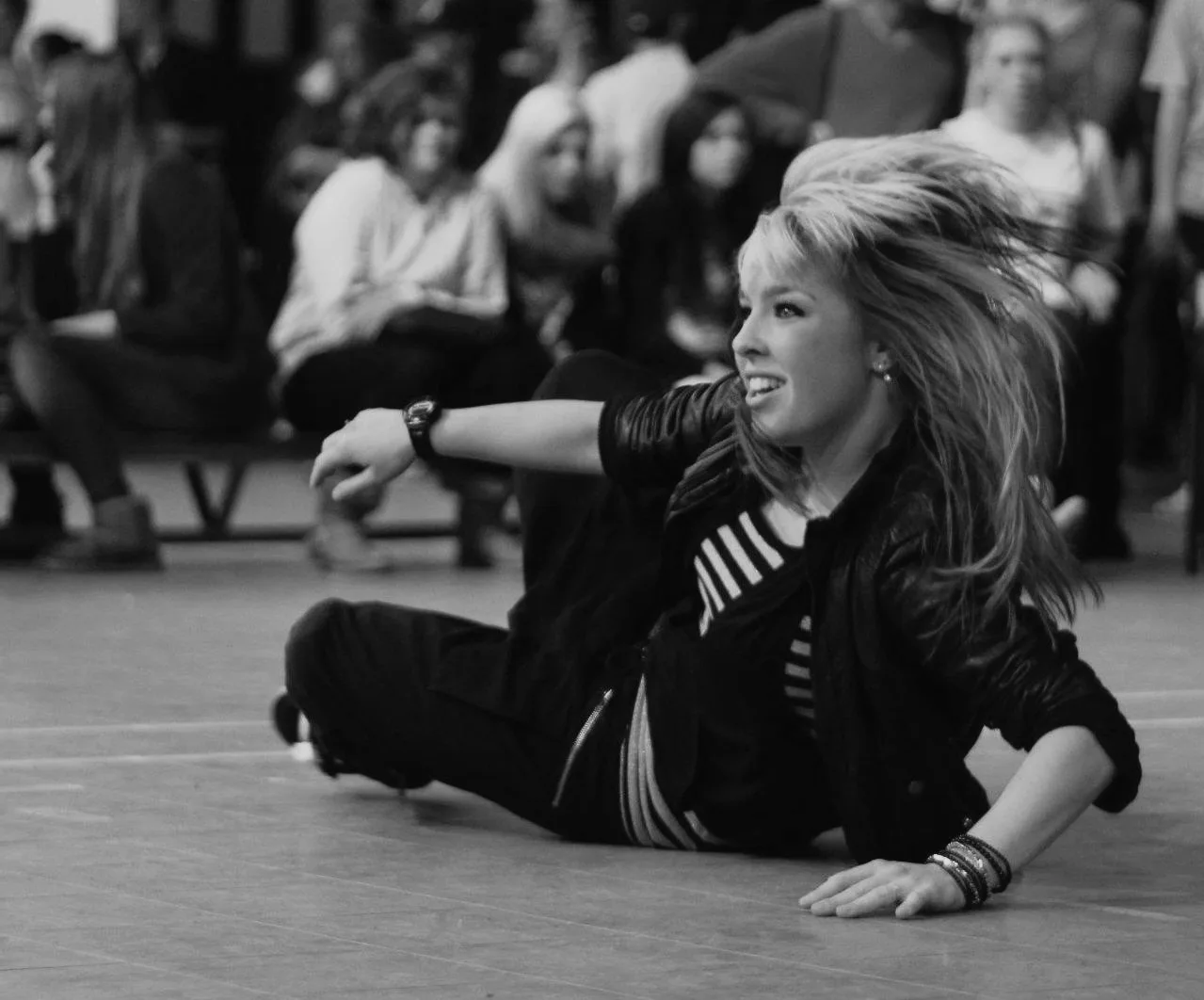
Start with a photo that leaves room to move
A readable pose still matters for later use of this page. This is photo advice, not a promise of a result.
A stronger starting point
One clearly visible adult subject, full body including feet, even lighting, and a simple background with space to move.
Worth adjusting first
Cropped arms or feet, objects covering the hips or legs, several people overlapping, or a very dark or blurry frame.
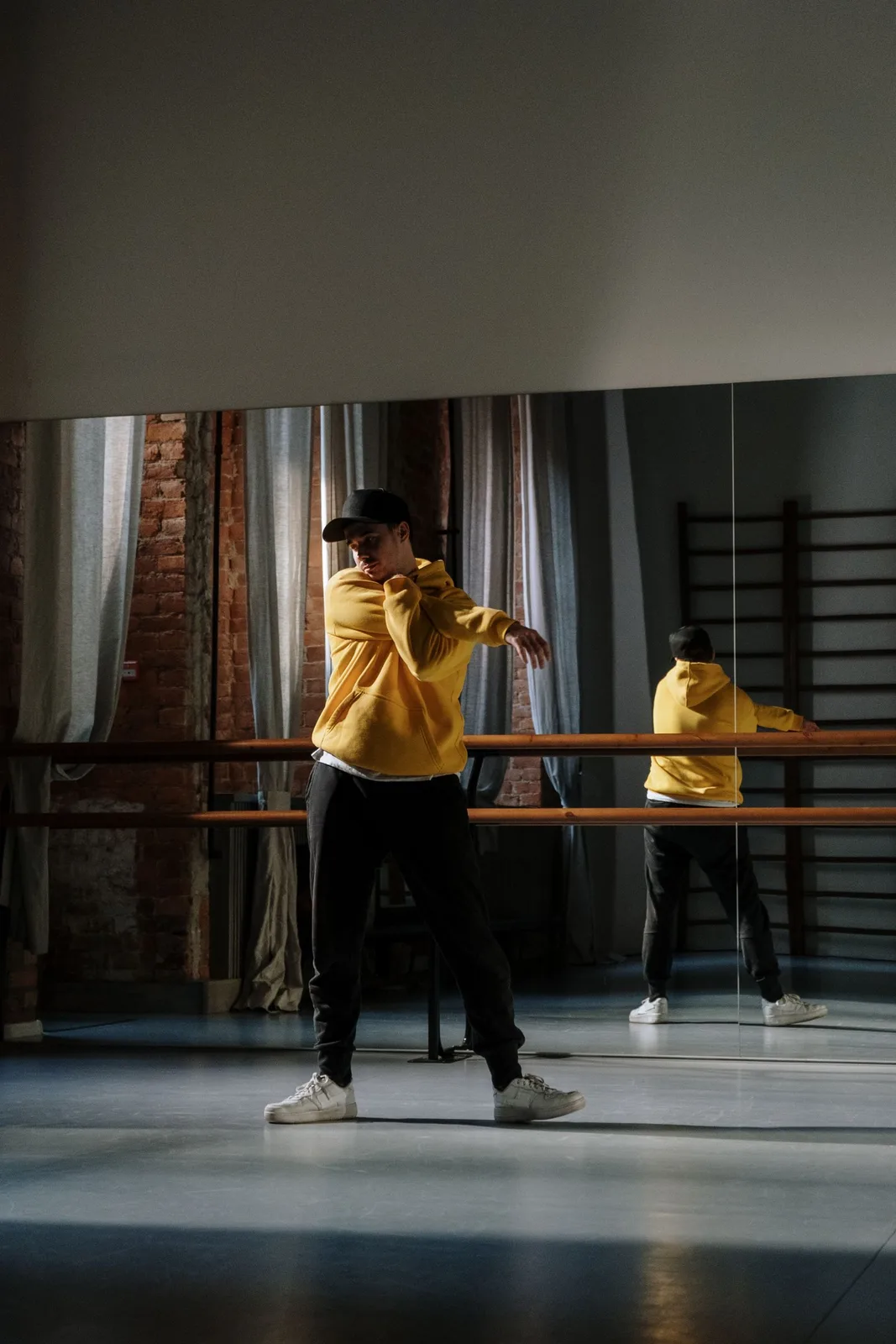
A built-in motion, or your own choreography?
This page is a single-photo template path. It is not AI Dance, and it is not Motion Control.
This page: photo plus a built-in twerk motion
The intended input is one character photo and a motion supplied by the page. The listed clip is a motion reference, not a generated result from your photo. When built-in templates are currently unavailable, this path cannot generate.
Motion Control: photo plus your own clip
If you already have a dance clip you want transferred onto a character image, use Motion Control. That is a real two-input route on Joi AI SI.
AI Dance is a different workbench
AI Dance is also a character image plus a dance clip. Completing that two-input flow does not equal a single-image twerk template on this page.
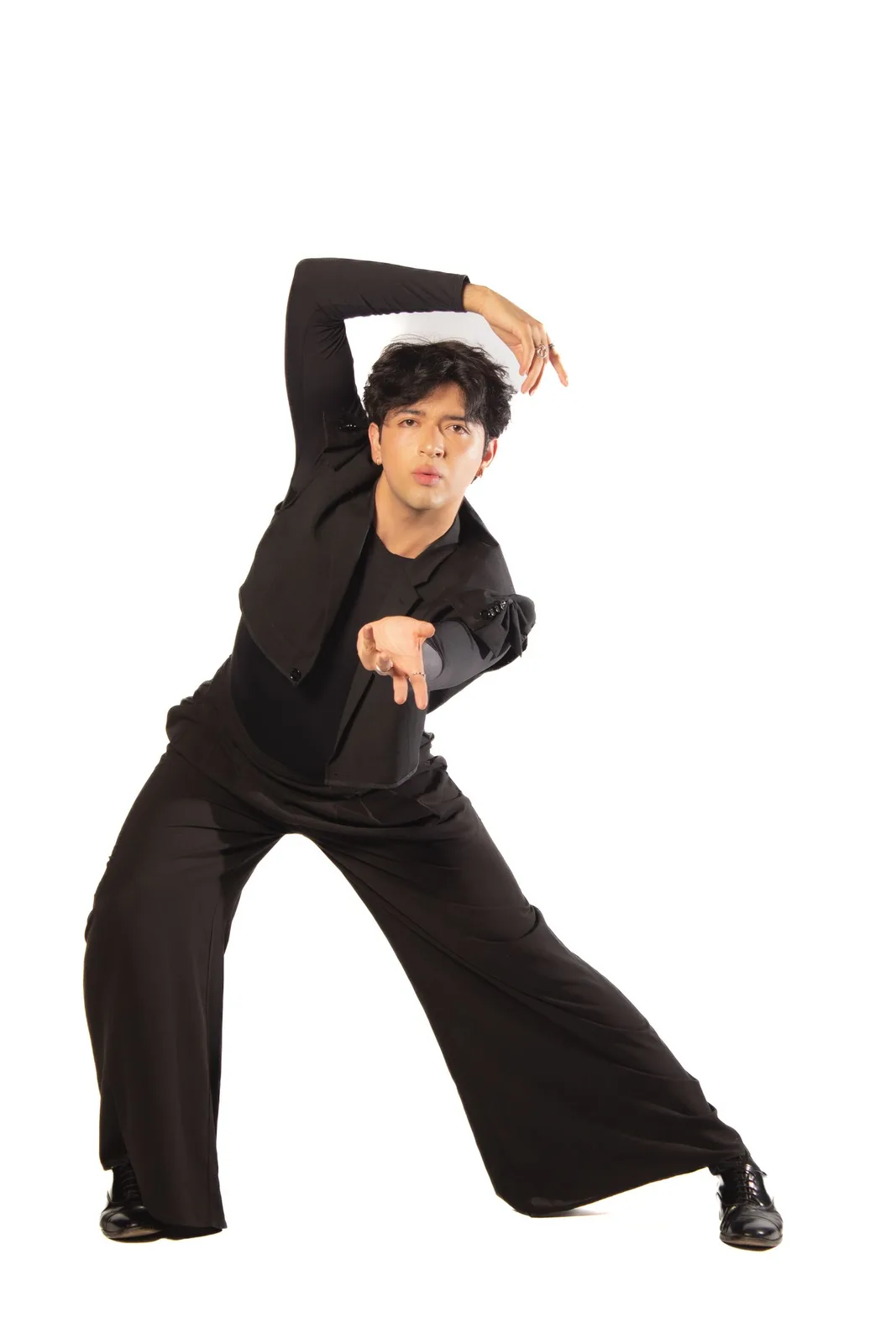
Extra direction waits for a listed motion
Prompt starters that assume a working template are not shown. Extra description would only apply after a motion is listed, and it would not replace the photo.
No fake prompt pack
This page names the three references honestly. It does not publish three template prompts as if they were ready to generate.
Keep a photo ready
You can still attach a photo in the workbench. That photo is not turned into a clip until a motion is listed.
Custom wording belongs with Motion Control
If you need a specific choreography now, describe it on Motion Control with your own reference clip.
Cost and settings when a motion is listed
The credit quote follows the selected motion length, not an empty 30-second guess. When built-in templates are currently unavailable, Generate stays off and no live quote is offered for a missing template.
Credit cost
When a motion is listed, the number beside Generate is the current credit quote for that length. This page does not list a fixed price or a free allowance.
Supported settings only
Duration, framing, and other controls will follow the connected workbench. Unsupported options are not shown as if they work.
No speed or music promise
This page does not claim generation speed, beat-sync, or a guaranteed dance match.
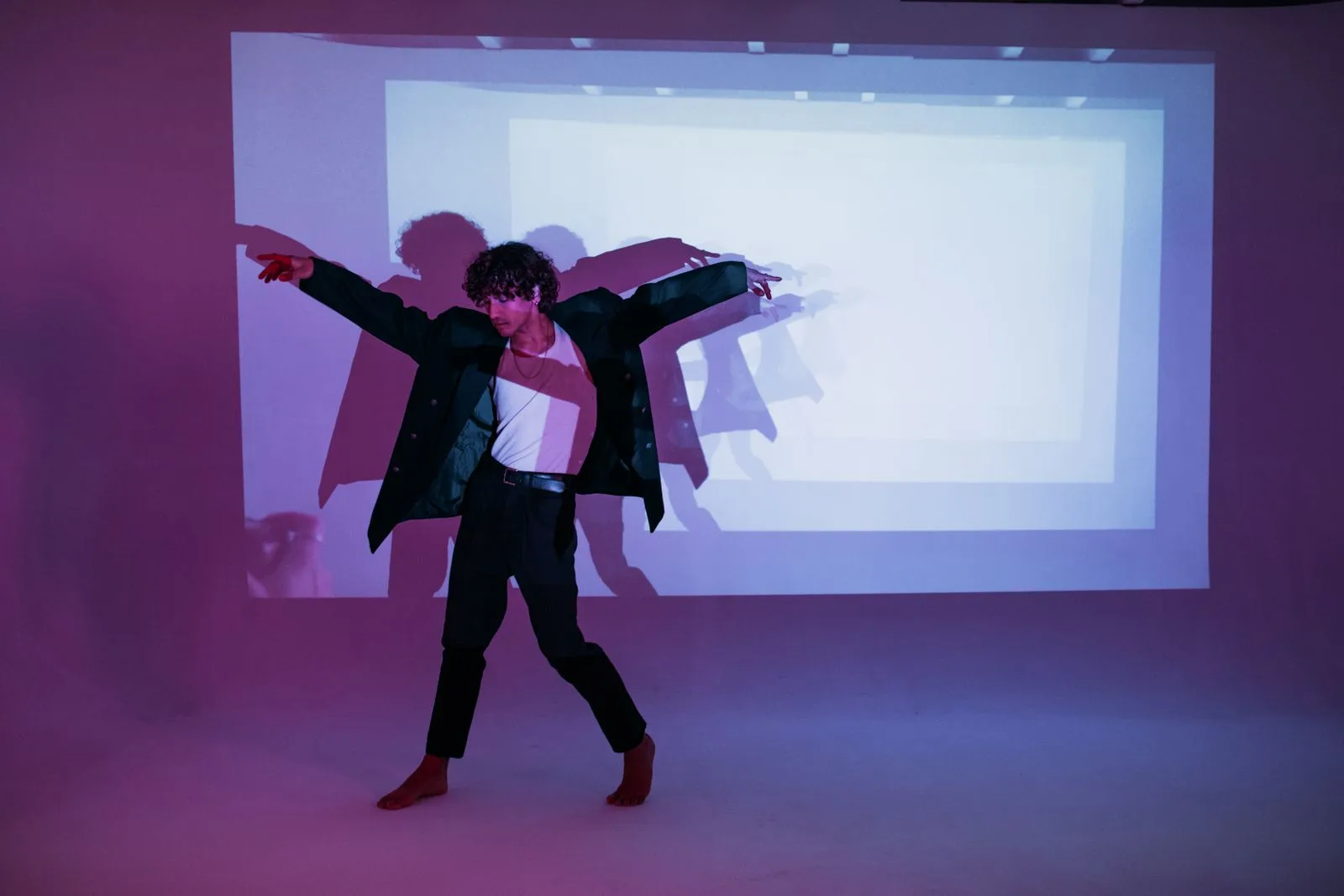
No verified photo-to-twerk examples on this page yet
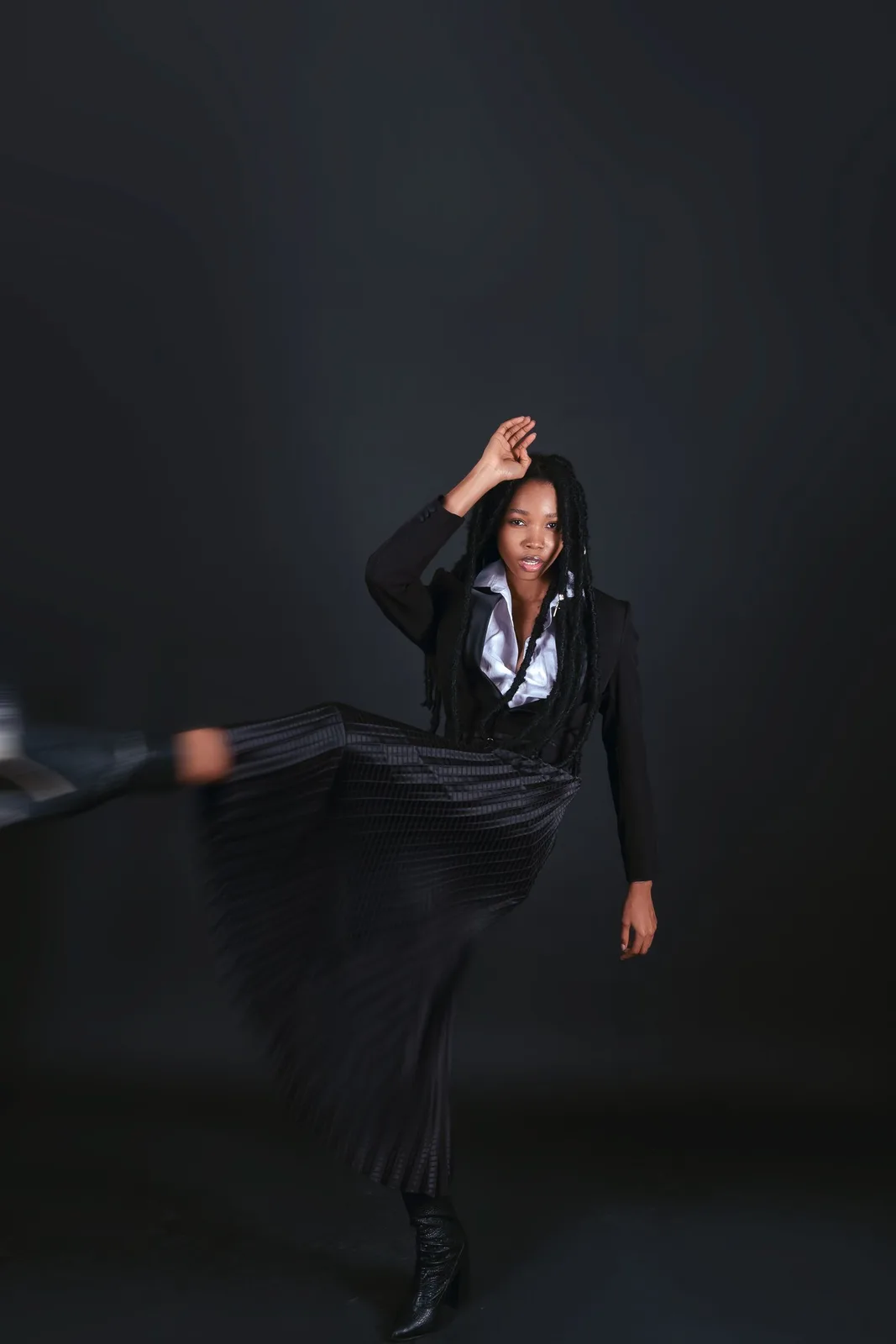
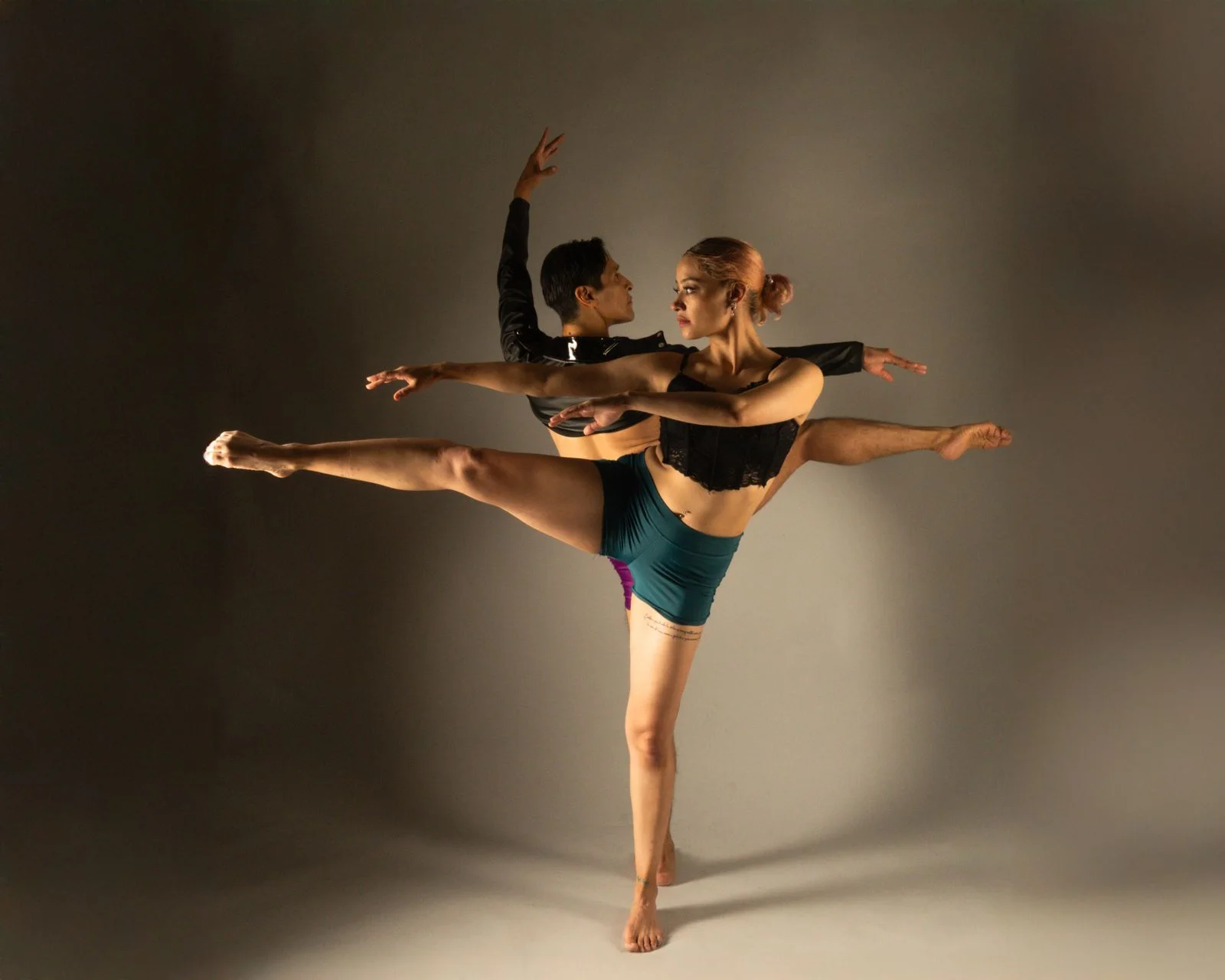
This page does not show input photos, output clips, or generated examples from an uploaded still. Built-in clips, when listed, are motion references. Placeholder art is not used as an example. The photograph in this section is dance inspiration.
What a motion reference is
A listed motion is a built-in reference clip: a shallow bounce, a squat rise, or a lateral hip shift. It is not a generated result from your uploaded photo.
Nothing is substituted
Concept stills, other dance pages, and unverified clips are not used as stand-ins. A motion reference is not presented as a photo-to-video output.
Where you can still start
You can open the workbench and upload a clearly adult full-body photo. When built-in templates are currently unavailable, Generate stays off.
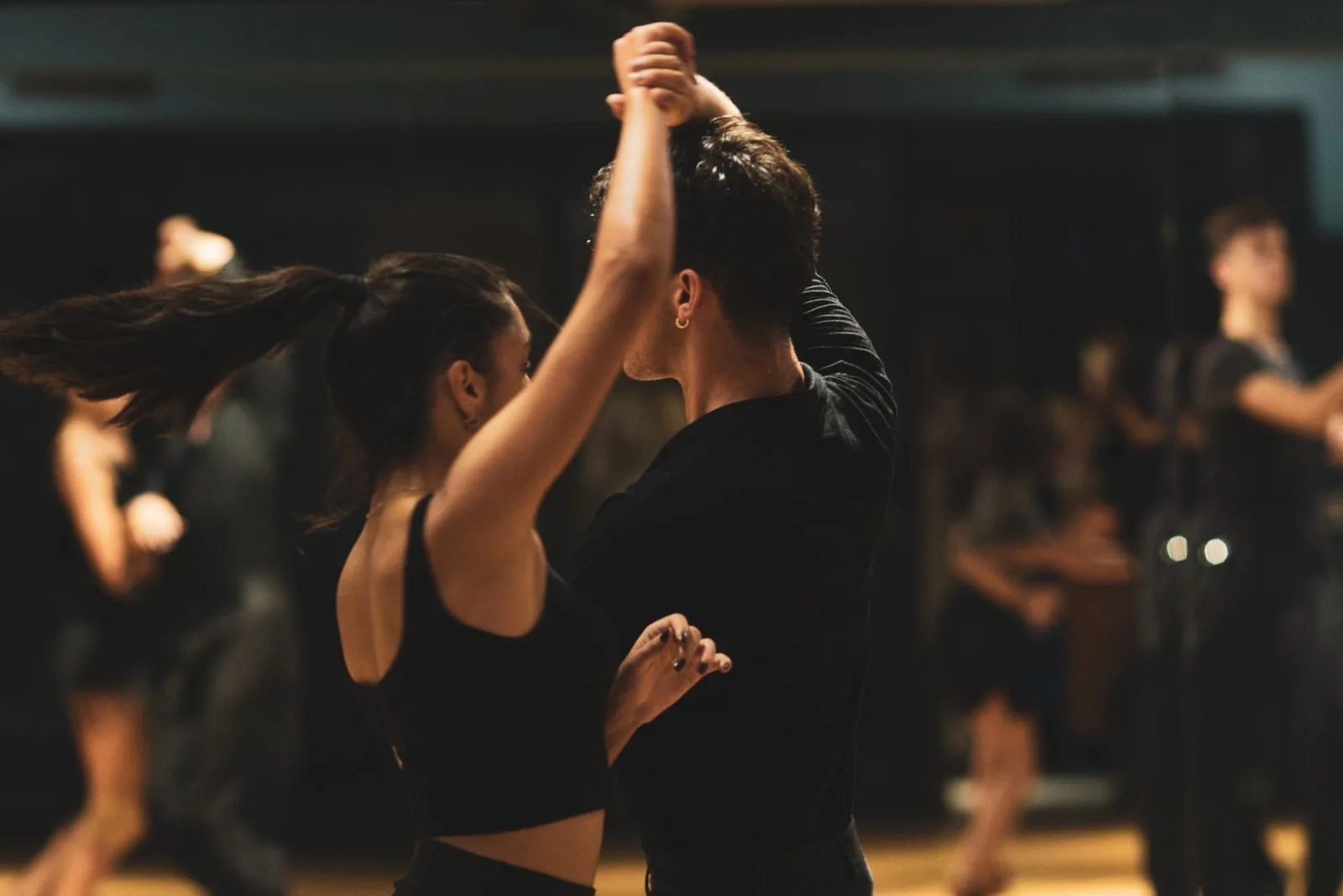
AI twerk video generator FAQ
Answers follow this workbench: one photo, three built-in motion references, and Generate off when those templates are currently unavailable.
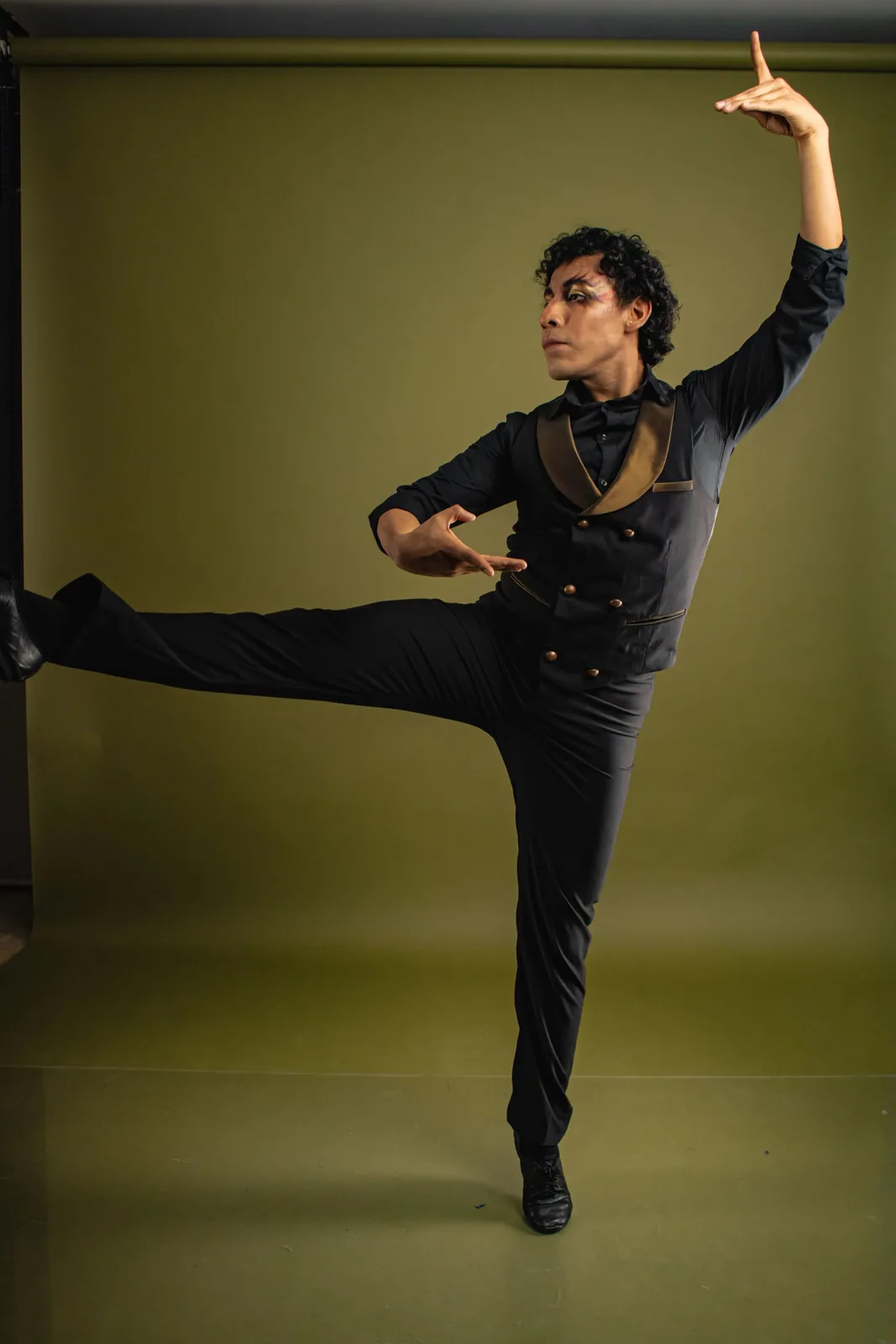
What is an AI twerk video generator?
On Joi AI SI it is this page at /ai-twerk-video-generator. The intended path is one clearly adult photo plus a built-in twerk motion. The three motions are a shallow bounce, a squat rise, and a lateral hip shift. Those clips are motion references, not a generated result from your photo. When built-in templates are currently unavailable, Generate stays off.
Can I generate a twerk clip on this page now?
Only when a built-in motion is listed. Template choose and Generate stay off while built-in templates are currently unavailable. Uploading a photo does not enable Generate.
Do I need to upload a dance video here?
Not on this page. The intended template mode supplies the motion for you. If you already have a dance clip, use Motion Control instead.
Is this the same as AI Dance Generator?
No. AI Dance is a character image plus a dance clip. This page is a single-photo template path. Finishing an AI Dance job does not create a twerk template here.
What kind of photo should I use later?
One clearly visible adult subject, even lighting, and a full-body view with room around the arms and legs. Cropped limbs or objects in front of the body make motion harder to read.
How much does a video cost?
When a motion is listed, the workbench shows the actual credit quote before you submit. The quote follows that motion length. This page does not list a fixed credit price.
Where can I make a custom dance today?
Open Motion Control to pair a character image with your own reference clip. That route is live. This page does not pretend to offer the same two-input flow.
Related video tools when you need a different path
Stay here if you want the single-photo twerk template. Use these routes for a dance clip you already have, or to animate a still.
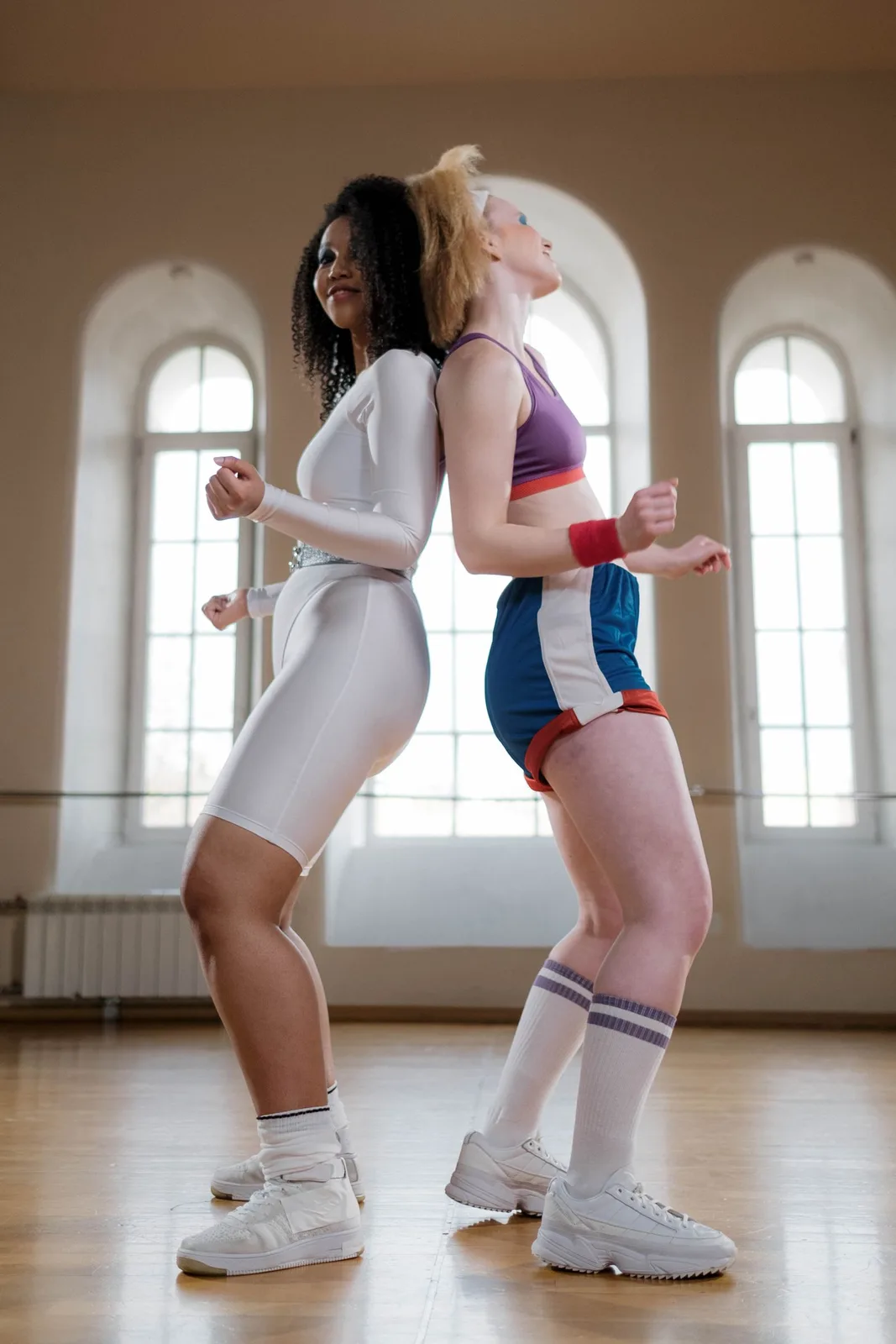
AI Dance Generator
A character image plus a dance clip. That two-input path is not a substitute for a built-in twerk template on this page.
Open AI Dance Generator ↗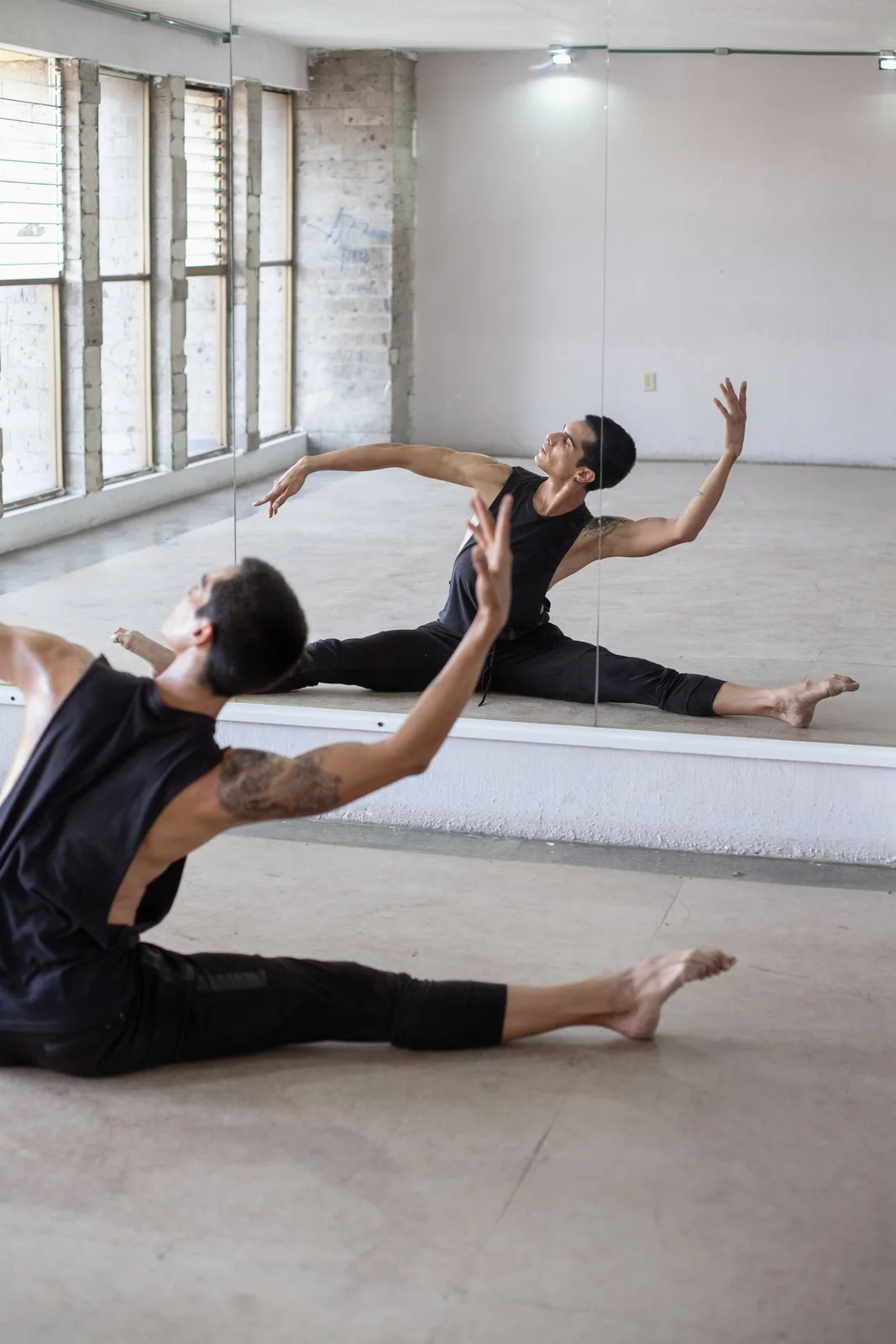
AI Motion Control
The genuine custom-reference route: upload a character image and your own motion clip.
Open Motion Control ↗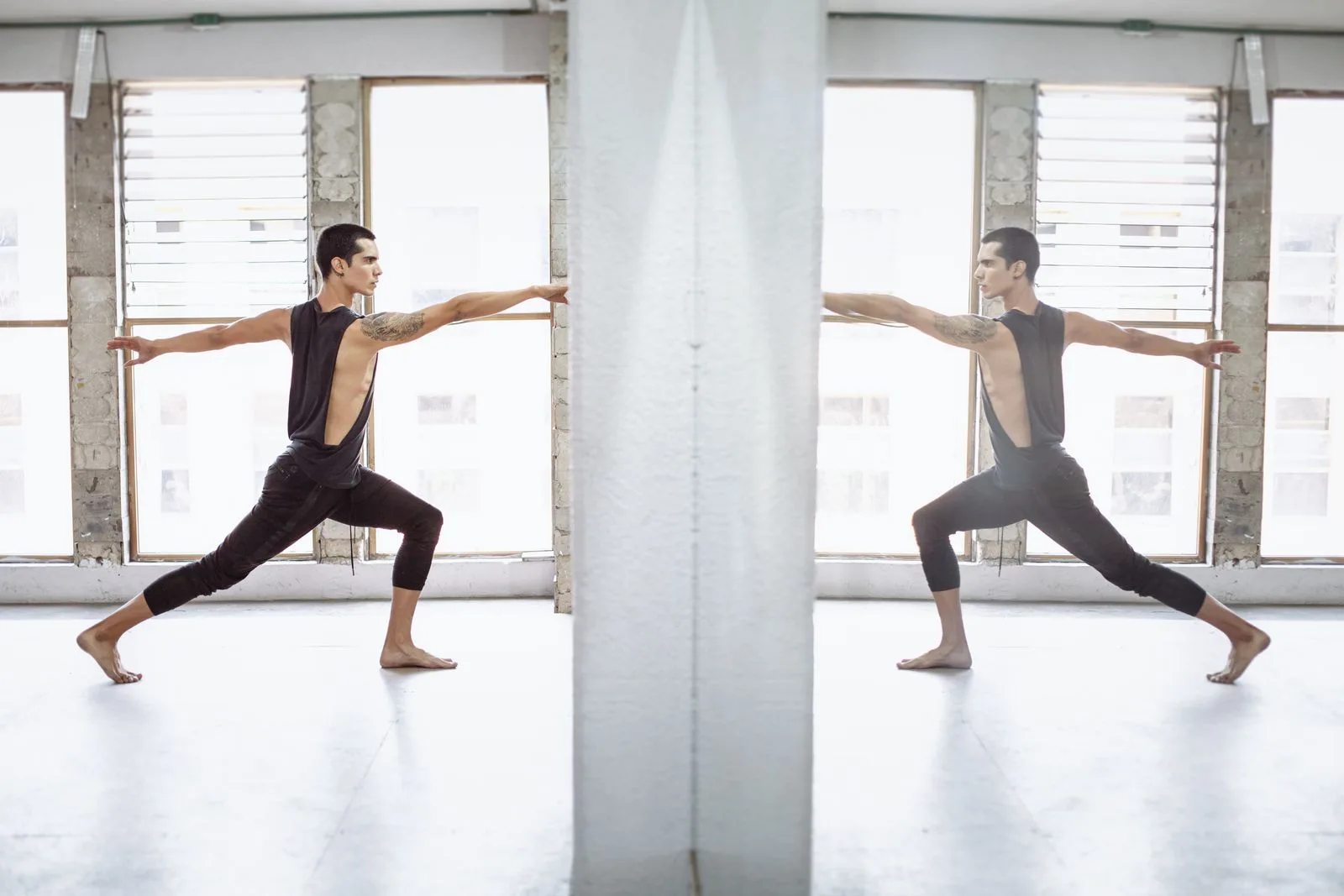
Image to Video
Animate a still without a twerk template. Use it when you want general motion from a photo.
Open Image to Video ↗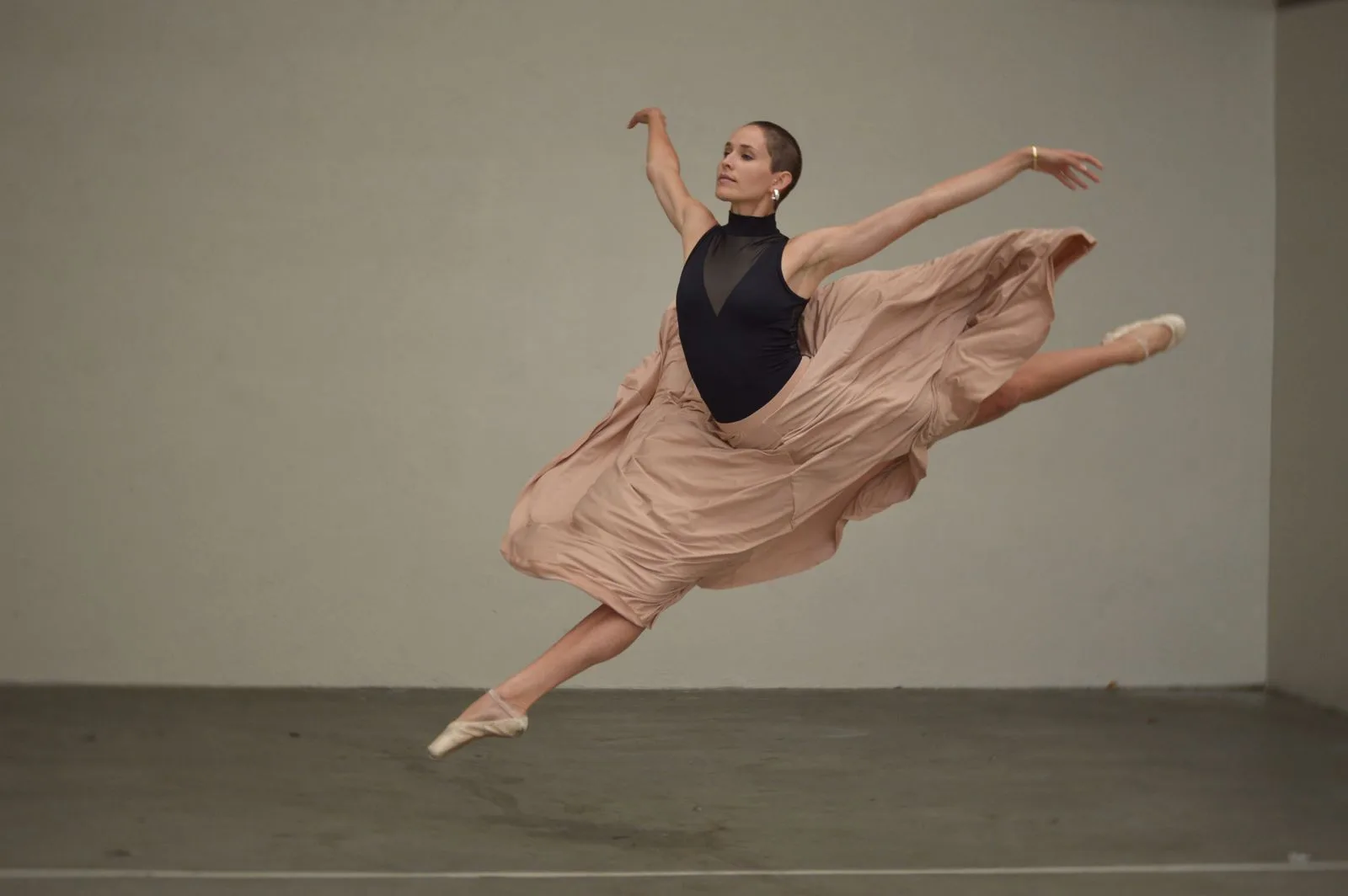
Return to this workbench
You can keep a photo in this generator. When built-in templates are currently unavailable, Generate stays off. For a custom dance from your own clip, use Motion Control.